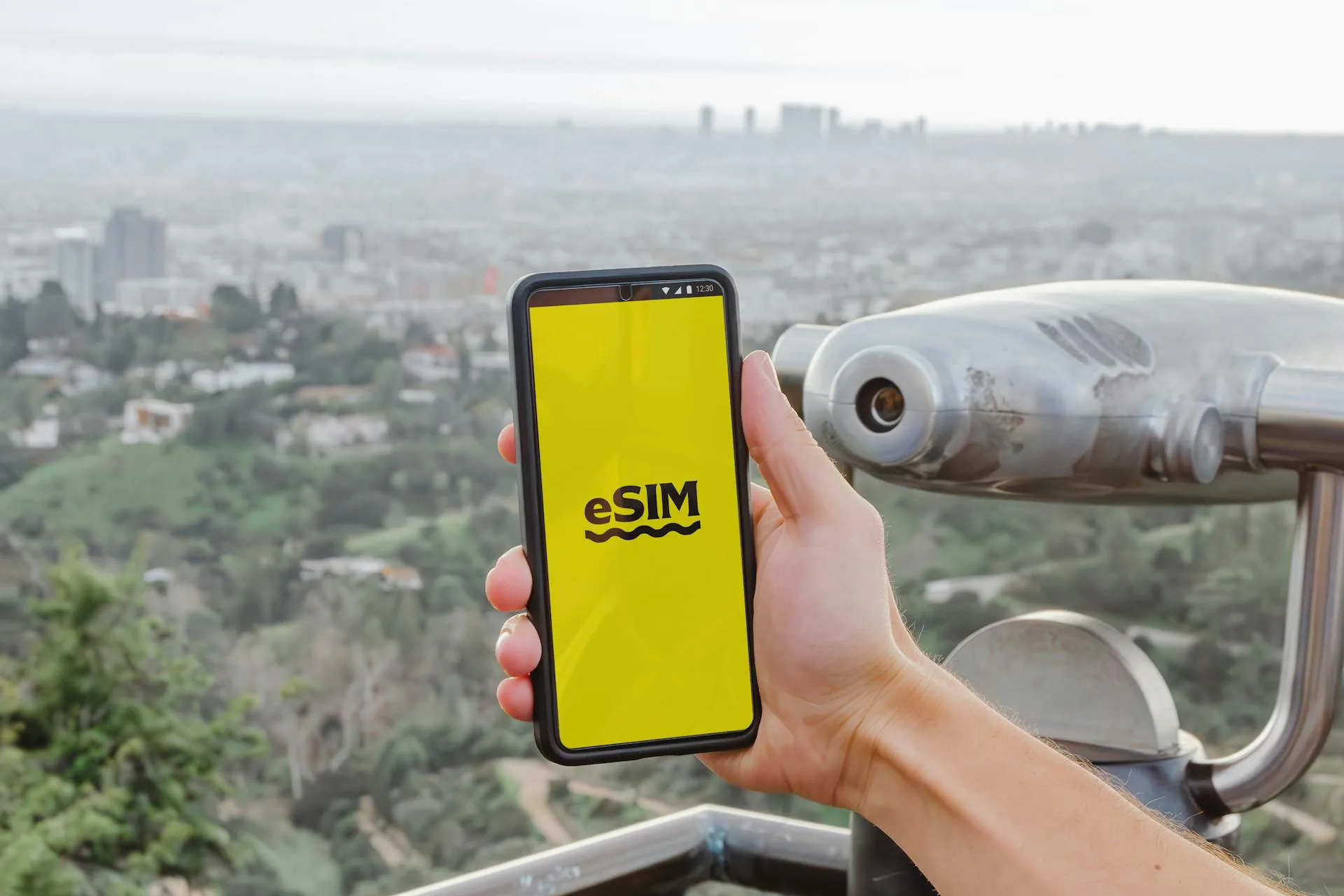
Travelling through Europe with your UK mobile should feel straightforward — maps, messages, restaurant bookings — until you land and realise how fast data disappears or how confusing roaming bundles have become. For many travellers, an eSIM is now the easiest way to arrive connected without hunting for a physical SIM card on day one.
There is not one single “best eSIM for Europe” for everyone. The right choice depends on how many countries you are visiting, how much data you realistically use, whether you need a phone number for calls, and how comfortable you are installing profiles before you fly.
Why travellers use eSIMs in Europe
An eSIM is a digital SIM you download — often by scanning a QR code or using an app. It can sit alongside your UK plan so you keep your number for texts while data routes through the travel bundle.
What “Europe” means on a data plan
Check country lists carefully — some plans cover the EU plus a few extras; others exclude Switzerland, Norway or popular microstates. If your itinerary includes Andorra or UK↔EU hops in one trip, match the bundle to reality.
How much data you actually need
- Light use — messaging and email: smaller bundles suffice.
- Navigation + social — mid-sized daily allowances feel safer.
- Hotspot / work — prioritize plans that allow tethering and higher caps.
“Unlimited” plans often include fair-use limits or slower speeds after a threshold — read the footnotes.
A 7-day Paris + Rome scenario
Typical UK city-break pattern: fly London–Paris for three nights, train or fly onward to Rome for four. Realistic data use for two adults sharing one phone hotspot might look like this:
- Maps and transit — 200–400 MB across both cities (download offline maps on hotel Wi-Fi first).
- Messaging and email — modest unless you send large attachments; 100–200 MB.
- Social uploads and restaurant lookups — 500 MB–1 GB if you post stories daily.
- Video calls or remote work — can consume 1–3 GB alone; size up or use hotel Wi-Fi for calls.
For that trip profile, a 5–10 GB / 7-day EU bundle is usually enough without paying for unlimited. If both travellers hotspot separately or you stream video on trains, move toward 15 GB or split profiles.
Plan size guide (starting points)
- Weekend (2–3 days, one city) — 1–3 GB if maps are offline; 3–5 GB if you rely on live navigation all day.
- Week (one or two countries) — 5–10 GB for normal tourism; 10–20 GB for heavy social use or tethering a tablet.
- Two-week multi-country loop — 15–30 GB or an unlimited plan with acceptable fair-use caps; verify Switzerland/Norway inclusion if your route crosses them.
- Work trips — prioritise tethering allowance and upload speed; buy headroom rather than cutting it close.
Installation timing
Install on Wi-Fi before departure when possible; activation rules differ — some profiles start on first network attach abroad. Keep your primary SIM enabled if you still need SMS verifications from banks.
Install troubleshooting
Most installs succeed in under five minutes, but these fixes solve the common failures:
- QR code will not scan — enter the manual activation code from the email; brightness and screen glare often block camera reads.
- “Unable to add cellular plan” — confirm the handset is unlocked, supports eSIM, and is not already at the carrier's profile limit (usually two lines on recent iPhones).
- Data works but iMessage/SMS odd — set the travel eSIM as the data line only; keep your UK line for calls and texts in dual-SIM settings.
- Profile installed but no data abroad — toggle aeroplane mode, check APN settings if the provider supplied them, and confirm the plan's validity window has started.
- Bank OTP not arriving — some codes still route via your UK SIM; do not disable the primary line before travel if you rely on SMS authentication.
Install at home on Wi-Fi the night before departure — airport stress is the wrong moment to debug profiles.
Network quality caveats
eSIM providers typically lease capacity from local carriers — speeds vary by city and congestion. If reliability matters for work, carry a backup plan (small top-up on a second profile or limited roaming on your UK SIM).
Trip extras — transfers, insurance pointers, luggage tools — sit alongside connectivity on travel services.
A sensible selection checklist
- Confirm your handset supports eSIM and is not hard-locked.
- Match data to itinerary length + hotspot needs.
- Verify included countries vs your route.
- Read fair-use and throttle rules on “unlimited” offers.
Frequently asked questions
Will I keep my UK number?
Usually yes for calls/SMS on your primary SIM while data flows via the eSIM line — check dual-SIM settings on your device.
Can I use hotspot?
Many plans allow it; some restrict tethering or cap hotspot data separately — confirm before buying.
Is eSIM cheaper than roaming?
Often for multi-day EU trips with moderate data — compare your UK network’s daily roaming cap against bundle price.
Where do I compare flights for the same trip?
Use SkyStayTravel flights for timings, then buy connectivity to match.
Should I buy eSIM before or after booking flights?
Flights first — once dates and countries are fixed, you know plan length and coverage needs. Refundable flight flexibility matters more than eSIM timing; most profiles activate on first use abroad.